
Designing a Daily Revenue Report That Operations Actually Use

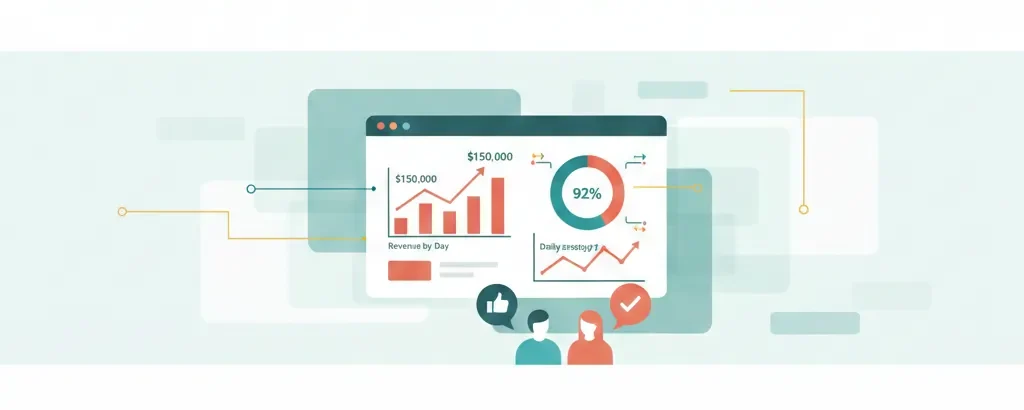
Most hotels and resorts produce some form of daily revenue report. Many of them are either:
- Too detailed (pages of numbers no one reads), or
- Too vague (headline figures with no actionable insight), or
- Delivered so late that the operation has already moved on.
The goal of a daily revenue report is simple:
Give the General Manager and department heads a clear picture of yesterday and a quick view of what’s coming, in a format they can read in 5–10 minutes.
Here’s a practical guide to designing a daily revenue report that operations will actually use.
Step 1: Decide on a Simple Structure
Aim for one page (max two) with three main sections:
- Top: Summary KPIs
- Middle: Detailed revenue breakdown
- Bottom: Forward-looking view & comments
Section A – Summary KPIs (Top)
This is the “at a glance” area.
Include, for yesterday:
- Rooms: Occupancy %, ADR, RevPAR
- Total Rooms Revenue
- Total F&B Revenue
- Total Other Revenue (spa, recreation, other income)
- Total Hotel Revenue
- GOP (if available daily) or a proxy (e.g., departmental profit estimate)
Add comparisons:
- vs. same day last year
- vs. budget/forecast (if meaningful at daily level)
Optional: colour coding (e.g., green if > budget, red if < budget).
Section B – Revenue Breakdown (Middle)
Here, you give enough detail for operations to understand the drivers.
A simple table structure:
| Department / Segment | Yesterday Actual | Last Year Same Day | Budget/Forecast | MTD Actual | MTD Budget | MTD Last Year |
|---|---|---|---|---|---|---|
| Rooms – Total | ||||||
| – Corporate | ||||||
| – Leisure FIT | ||||||
| – OTA | ||||||
| – Groups / MICE | ||||||
| F&B – Total | ||||||
| – All Day Dining | ||||||
| – Specialty Restaurant | ||||||
| – Bar / Lounge | ||||||
| – Banquets & Events | ||||||
| Other Revenue | ||||||
| – Spa | ||||||
| – Recreation / Activities | ||||||
| – Other |
You don’t have to fill every cell from day one. Start with key lines and build as your systems and team allow.
Section C – Forward View (Bottom)
A daily revenue report should not only tell you what happened, but also help you prepare for what’s coming.
Include, for the next 7–14 days:
- Rooms OTB (on the books) – rooms sold, occupancy %, ADR
- Comparison to same time last year (STLY)
- Group wash risks / major events
- Any key notes from Revenue Management (price changes, promotions)
You can present this as a small table or chart:
| Date | Rooms OTB | Occ % OTB | ADR OTB | RevPAR OTB | STLY Occ % | STLY ADR |
|---|---|---|---|---|---|---|
| D+1 | ||||||
| D+2 | ||||||
| … |
Step 2: Keep It Visual and Clean
A wall of numbers is easy to ignore.
Consider:
- Sparklines or small trend graphs for Occupancy, ADR, RevPAR over the last 7 days.
- Simple bar charts for F&B revenue by outlet vs. target.
- Clear, consistent formatting (same decimal places, aligned columns, no clutter).
If possible, use a BI tool (like Power BI, Tableau, or even Excel dashboards) to generate and distribute the report automatically.
Step 3: Automate Data Extraction Where Possible
The goal is speed and reliability, not manual heroics.
- Use interfaces or scheduled exports from PMS/POS/ERP.
- Maintain mapping tables (segment codes, outlet codes) so data lands in the right buckets.
- Avoid manual re-typing from one system to another. Every manual step increases the risk of error and delays.
Even modest automation can reduce the daily workload and improve consistency.
Step 4: Fix the Delivery & Meeting Rhythm
A good report, delivered at the wrong time, loses value.
- Agree a fixed send time (e.g., by 09:00 each morning).
- Define recipients clearly: GM, department heads, revenue management, finance, key support functions.
- Use the report in a short daily morning briefing. The message to the team is: “We will look at this every day, together. This is how we run the business.”
When the report becomes part of the hotel’s daily rhythm, people start paying attention and using it to make decisions.
Step 5: Review and Improve Every Few Months
Your first version doesn’t need to be perfect.
Every 2–3 months, ask:
- Which sections are most useful?
- Which parts are ignored?
- Is there important information missing?
- Can we remove something without losing value?
Gradually refine until you have a lean, trusted, and widely used daily revenue report.
Final Thoughts
The best daily revenue reports are not the most complex. They are:
- Clear
- Timely
- Aligned with how the GM and HODs think
- Consistently produced and discussed
If your current report feels bloated or under-used, start again from the basic question:
“What do we need to see every morning to run this hotel better today?”
Build from there, and keep it simple.



Responses